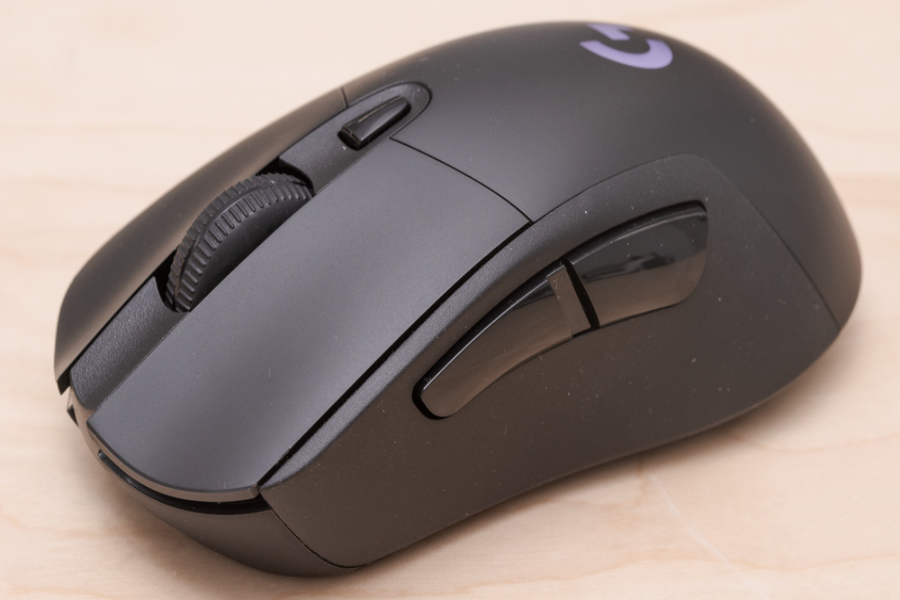
Logitech G703 is a wireless gaming mouse made for players who want speed, comfort, and a simple shape. It has a right-handed design, strong wireless performance, and useful gaming features. The current Logitech product page says the G703 uses the HERO 25K sensor and LIGHTSPEED wireless for low-latency play.
Many gamers like Logitech because it feels familiar in the hand. It is not a tiny mouse, and it is not full of extra buttons. It focuses on comfort grip control and clean performance. That makes the Logitech G703 a strong choice for everyday gaming and work.
Logitech G703 Lightspeed
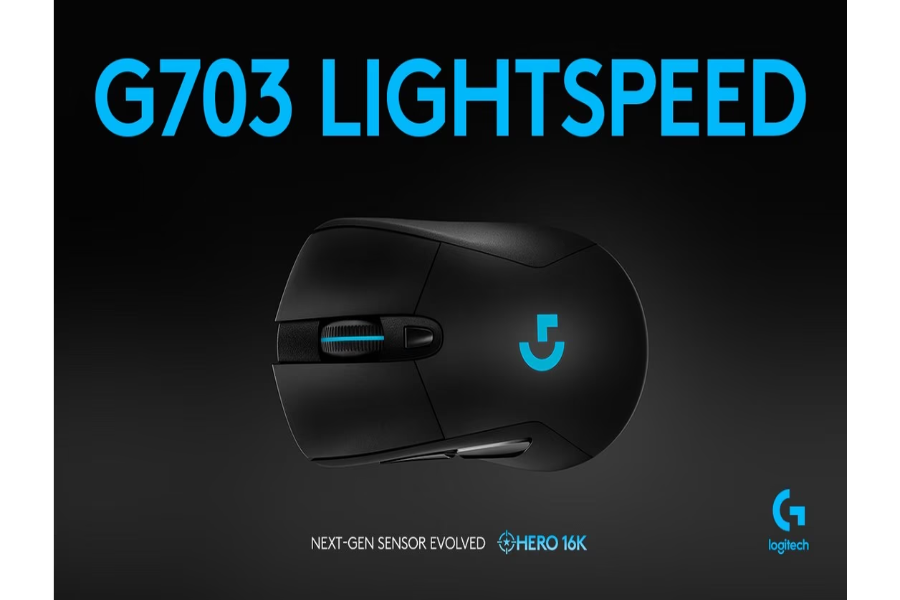
Logitech G703 Lightspeed is built around wireless speed. LIGHTSPEED is Logitech’s gaming wireless technology. Logitech says it gives pro level performance, responsiveness, and connectivity for long gaming sessions.
The good thing about G703 is that it does not feel like an old wireless mouse. It is quick stable and easy to use. You can play shooters, action games, and casual games without feeling held back by the wireless connection.
G703 also works in wired mode while charging. This is helpful when the battery is low and you still want to play. The mouse can switch to cable use when plugged in based on Logitech support details for the G703 line.
Another useful point is POWERPLAY support. Logitech says G703 can work with the POWERPLAY wireless charging system which is sold separately. This can keep the mouse charged while you play or rest it on the mat.
Logitech G703 Weight
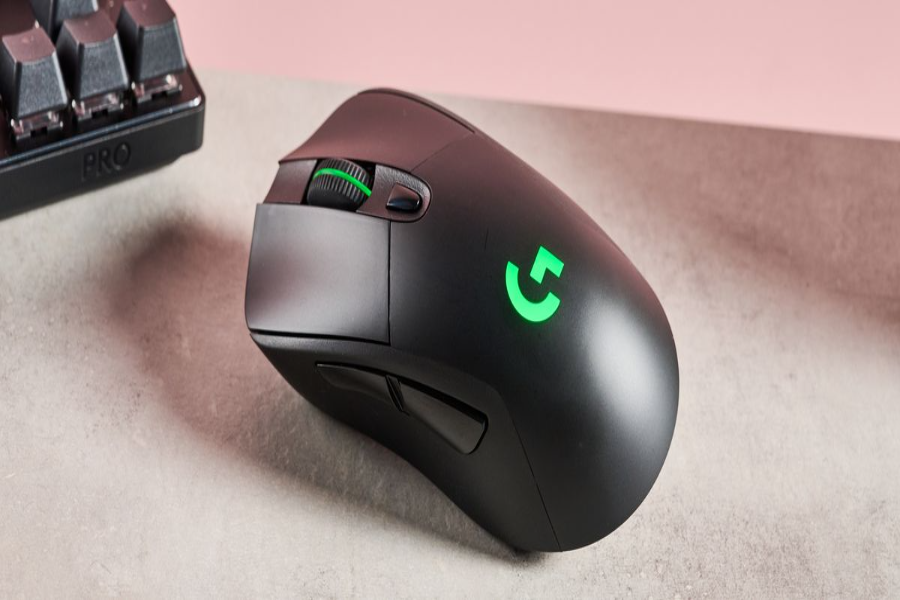
Logitech G703 Weight depends on which model listing you check. Logitech support lists an older G703 specification at 107.2 g without cable and without the optional weight. It also lists a 10 g optional weight.
Many current HERO listings describe G703 as about 95 g with a 10 g optional weight. This makes it lighter than the older support spec but still not an ultra light mouse. It has enough weight to feel stable during control focused movement.
For some gamers the Logitech G703 weight feels balanced. It is not too heavy for casual gaming. It is also not so light that it feels hollow. Players who like a solid mouse may enjoy it more than people who want a very light esports shape.
The optional weight is useful if you like a heavier feel. You can keep the mouse lighter or add weight for more control. This makes G703 flexible for different hand styles and movement habits.
Logitech G703 Dimensions
Logitech G703 Dimensions are important because shape decides comfort. Logitech support lists the mouse at 124 mm high by 68 mm wide by 43 mm deep in its product dimensions table. These numbers match the familiar medium large G703 shape.
In real use G703 feels best for medium to large hands. The hump supports the palm well. The side grips also help when lifting the mouse. This is useful for players who use palm grip or relaxed claw grip.
The shape is right-handed. That means left handed users may not find it comfortable. The side buttons sit on the left side for thumb use. This makes G703 more natural for right-handed gamers.
Because of its dimensions Logitech G703 is not the best pick for users who want a tiny travel mouse. It is better as a main desktop mouse. If your hand likes a higher back and rounded body then the size can feel very comfortable.
Logitech G703 Review
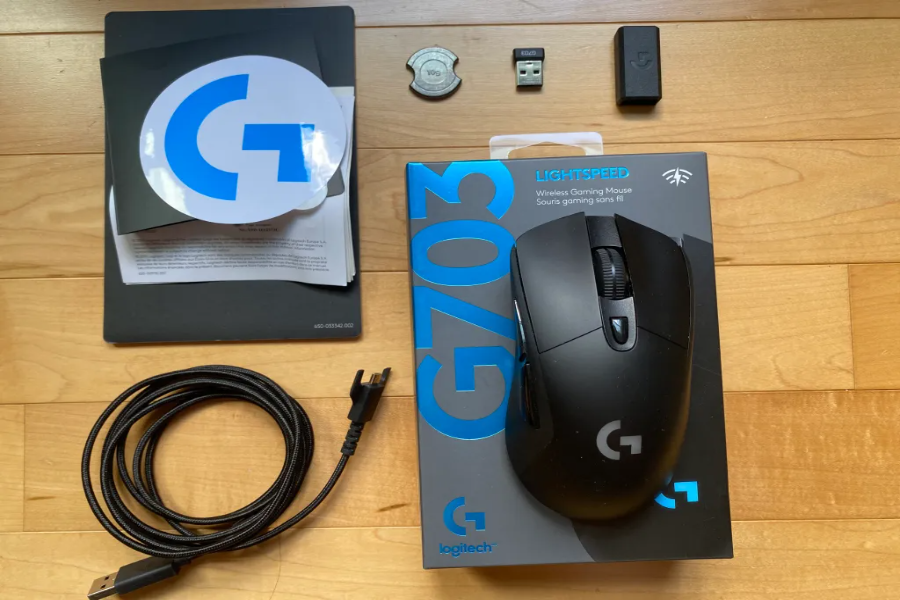
Logitech G703 Review opinions are usually positive because the mouse has a simple design and strong core performance. It does not try to be flashy. It gives you wireless speed, a good sensor RGB lighting side grips and six practical buttons.
The HERO 25K sensor is one of the biggest strengths of G703. Logitech says the sensor offers 1:1 tracking, 400-plus IPS and 100 to 25,600 DPI with zero smoothing, filtering, or acceleration.
Comfort is another strong point. G703 has rubber side grips and a rounded shape. It feels secure during fast movement. The buttons are also easy to reach. The scroll wheel is simple and the DPI button is placed behind it.
The weaker side is that Logitech G703 may feel heavy compared with newer ultra light gaming mice. It also has a traditional design. If you want many buttons or an extremely light shell this may not be your best choice.
Best Features For Gaming
One of the best features of Logitech G703 is the clean button layout. It has left and right click a scroll click, two side buttons, and a DPI button. Logitech support lists six buttons for the G703.
This layout is enough for most games. You can use the side buttons for melee push-to-talk, reload, or browser back and forward. The design stays simple so your thumb does not hit extra buttons by mistake.
Battery life is also important. Logitech support lists up to 30 hours without lighting and up to 22 hours with default lighting for the older G703 specification. Current HERO sensor versions are promoted for better power efficiency on Logitech’s product page.
G703 also has RGB lighting on the logo and scroll area. It is not needed for performance, but it looks nice on a gaming desk. You can customize lighting through Logitech software.
Who Should Buy This Mouse
Logitech G703 is best for right handed users who want a comfortable wireless gaming mouse. It suits people who play FPS games, RPG games, and daily desktop tasks. The shape is safe and familiar.
It is also good for users who want a balance between performance and comfort. Some gaming mice are very light but less comfortable. G703 gives a solid body and a stable feel.
Read more: Soundcloud For Artists, How Proven 10 Methods To Go Viral Fast
You should consider another mouse if you want a super light esports mouse. You may also want another option if you need many side buttons for MMO games. G703 is more of an all round gaming mouse.
For many users the best reason to buy Logitech G703 is comfort. A mouse can have great specs but still feel wrong in the hand. This model works well if you like a higher back and grippy sides.
Final Thoughts
Logitech G703 remains a strong gaming mouse because it keeps the basics simple. It offers fast wireless performance, a strong HERO sensor a comfortable right-handed shape, and useful gaming features. It is easy to understand and easy to use.
If you want the lightest possible mouse, then the G703 may not be perfect. But if you want comfort, stability, and reliable wireless play then it is still a smart choice. G703 works best for gamers who value shape and simple performance over extra buttons.
FAQs About Logitech G703
Q1. Is Logitech G703 Good For Gaming?
Yes G703 is good for gaming. It has LIGHTSPEED wireless HERO 25K sensor support and a comfortable right-handed shape. It is useful for FPS casual and general gaming.
Q2. Is Logitech G703 Lightspeed Wireless?
Yes, the G703 is a LIGHTSPEED wireless gaming mouse. Logitech says LIGHTSPEED wireless gives pro-level performance, responsiveness, and connectivity.
Q3. What Is The Logitech G703 Weight?
The weight depends on the version. Logitech support lists an older G703 spec at 107.2 g without cable and without optional weight. Many current HERO listings describe it near 95 g with a 10 g optional weight.
Q4. What Are The G703 Dimensions?
Logitech support lists G703 dimensions as 124 mm by 68 mm by 43 mm. This gives it a medium-large right-handed shape.
Q5. Does Logitech G703 Have HERO 25K?
Yes, the current Logitech product page says G703 uses the HERO 25K sensor. It supports 100 to 25,600 DPI with zero smoothing filtering or acceleration.
Q6. Is Logitech G703 Good For Large Hands?
Yes, the G703 can be good for medium to large hands. Its tall back and rounded body support palm grip and relaxed claw grip well.
Q7. Does Logitech G703 Support POWERPLAY?
Yes, the Logitech G703 supports Logitech POWERPLAY wireless charging. The POWERPLAY system is sold separately.
